PMotive Product Guide | Updated for 2026
Custom automation is not simply a purchase; it is a small software-development project. This starter EA development article outlines the package, preparation process, testing expectations and questions to resolve before coding starts.
A developer can automate defined logic, but cannot turn an incomplete strategy into a guaranteed profitable system. The quality of the specification, test data and feedback process matters as much as the coding.
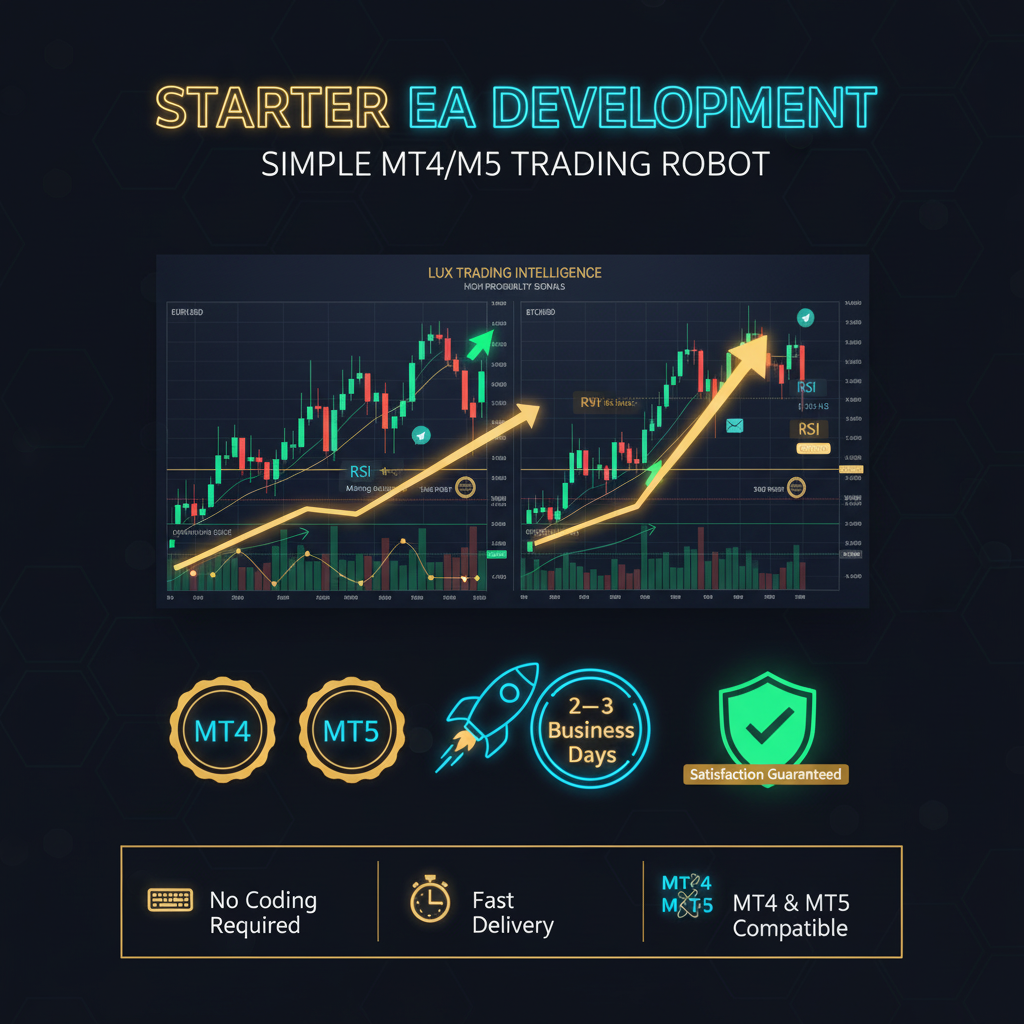
Starter EA Development – Simple MT4/MT5 Trading Robot: quick overview
| Service | Starter EA Development – Simple MT4/MT5 Trading Robot |
|---|---|
| Platforms | MT4 and MT5 |
| Format | Custom Expert Advisor development |
| Best fit | Traders with written entry, exit and risk rules |
| First preparation | Create a complete strategy specification with examples |
| Service page | View the PMotive development package |
This package is positioned for traders who want their rules converted into an MT4 or MT5 Expert Advisor. The correct package depends on strategy complexity, number of indicators, risk-management requirements, dashboards, alerts, multi-timeframe logic and whether source code is required.
What the PMotive listing includes
The service page currently highlights the following seller-listed components:
- Custom EA File (.ex4 or .ex5): Custom EA File (.ex4 or .ex5) based on your strategy
- Basic entry/exit rules built-in: Basic entry/exit rules built-in
- Logic for up to 2 technical: Logic for up to 2 technical indicators (RSI, MA, MACD, etc.)
- Default risk settings for safe testing: Default risk settings for safe testing
- Delivered in 2–3 business days: Delivered in 2–3 business days
- First-time algo traders who want to: First-time algo traders who want to try automation
Confirm scope, delivery expectations, revisions, file formats and support in writing before the project starts. Where a listing mentions timelines or revisions, verify that those terms still apply to your specific request.
When the Starter package makes sense
This tier is most logical when the strategy can be written as a small set of objective rules. Examples include one or two indicators, a single timeframe, straightforward entries and fixed exits. It is less suitable when the system depends on complex trade recovery, dashboards, multiple symbols or extensive custom indicators.
Keep the first version intentionally small. A simple build that can be tested is usually more valuable than a large specification containing many unproven ideas. Once the core logic behaves correctly, additional features can be considered as a separate upgrade.
What to prepare before ordering custom EA development
Write exact entry rules
Replace descriptions such as “buy when momentum is strong” with measurable conditions. State the indicator, period, price source, timeframe and exact comparison. Include screenshots of valid and invalid setups.
Define every exit
Specify stop loss, take profit, breakeven, trailing logic, time-based exits, opposite-signal exits and what happens when the platform restarts. If more than one exit can occur, define the order of priority.
Document risk and exposure limits
State whether lot size is fixed or percentage based, maximum open trades, maximum risk by symbol, daily loss rules and whether correlated positions are allowed. Risk rules should be testable, not left to interpretation.
List operational details
Include platform, broker symbol names, time zone, trading sessions, news restrictions, alerts, dashboard needs and whether the EA should run on netting or hedging accounts.
How to decide whether this package fits
| Choose a simpler package when | The strategy uses a small number of standard indicators, one timeframe and straightforward entry and exit rules. |
|---|---|
| Choose a more advanced package when | The strategy uses custom indicators, multiple timeframes, complex position management or advanced risk controls. |
| Consider a premium package when | You require complete strategy automation, source code, broader revisions or more complex integrations listed by the service. |
| Pause before ordering when | The strategy still changes frequently or cannot be described without subjective judgement. |
A professional development workflow
- Strategy discovery: provide written rules and examples.
- Scope confirmation: agree on features, exclusions, platform, files and milestones.
- Prototype: test the core logic before adding dashboards or optional features.
- Backtesting: validate that the EA follows the rules across historical examples.
- Bug review: document reproducible issues with screenshots, logs and exact steps.
- Forward testing: run the build on demo under real-time broker conditions.
- Acceptance: confirm the agreed functions work before moving to live use.
Acceptance tests every client should run
- Valid signals open the correct direction, symbol and lot size.
- Invalid signals do not trigger trades.
- Stops, targets and trailing rules behave exactly as specified.
- Maximum-trade and drawdown limits block new exposure correctly.
- The EA recovers safely after platform or VPS restart.
- Logs and alerts provide enough information to diagnose problems.
- Inputs are labelled clearly and protected from unreasonable values where possible.
Related PMotive resources
Before commissioning a robot, read how to backtest an EA and why technical support matters. You can also compare this package with Advanced EA Development: Custom MT4/MT5 Automation Explained.
How to get more value from the purchase
Set one measurable outcome before you begin, keep notes in a single document and schedule a review date. The purpose is to convert information into a repeatable process. When a lesson or feature is unclear, write down the exact question and confirm it through the product page or PMotive support instead of making assumptions.
Frequently asked questions
Do I need coding knowledge to order an EA?
No, but you do need clear trading rules. Examples, screenshots and exact conditions reduce misunderstandings.
Can a developer guarantee the strategy will be profitable?
No. Development can automate rules accurately, but it cannot guarantee that the rules will perform profitably in future markets.
Should I request MT4 or MT5?
Choose the platform used by your broker and target account. If you need both, confirm whether both builds are included in the service scope.
Why is source code important?
Source code can provide ownership flexibility and future development options. Confirm whether it is included in the chosen package.
Where can I discuss the project?
Review Starter EA Development – Simple MT4/MT5 Trading Robot and contact PMotive with your written specification before ordering.
Discuss your EA project with PMotive
A good development brief saves time, reduces revisions and produces a testable result. Prepare your rules first, then use the package page to confirm the correct scope.
View Starter EA Development – Simple MT4/MT5 Trading Robot
Trading and automated strategy development involve risk. Historical testing does not guarantee future performance. Use controlled testing and never risk money you cannot afford to lose.