
PMotive
714 Strategy EA for MetaTrader 5
714 Strategy EA for MetaTrader 5
Access details sent after successful payment.
Guidance and product documentation included.
Payment is securely processed by our payment provider.
Digital product—no physical item will be shipped. Trading involves financial risk; automated systems do not guarantee profits. Refund eligibility is governed by the published refund policy.

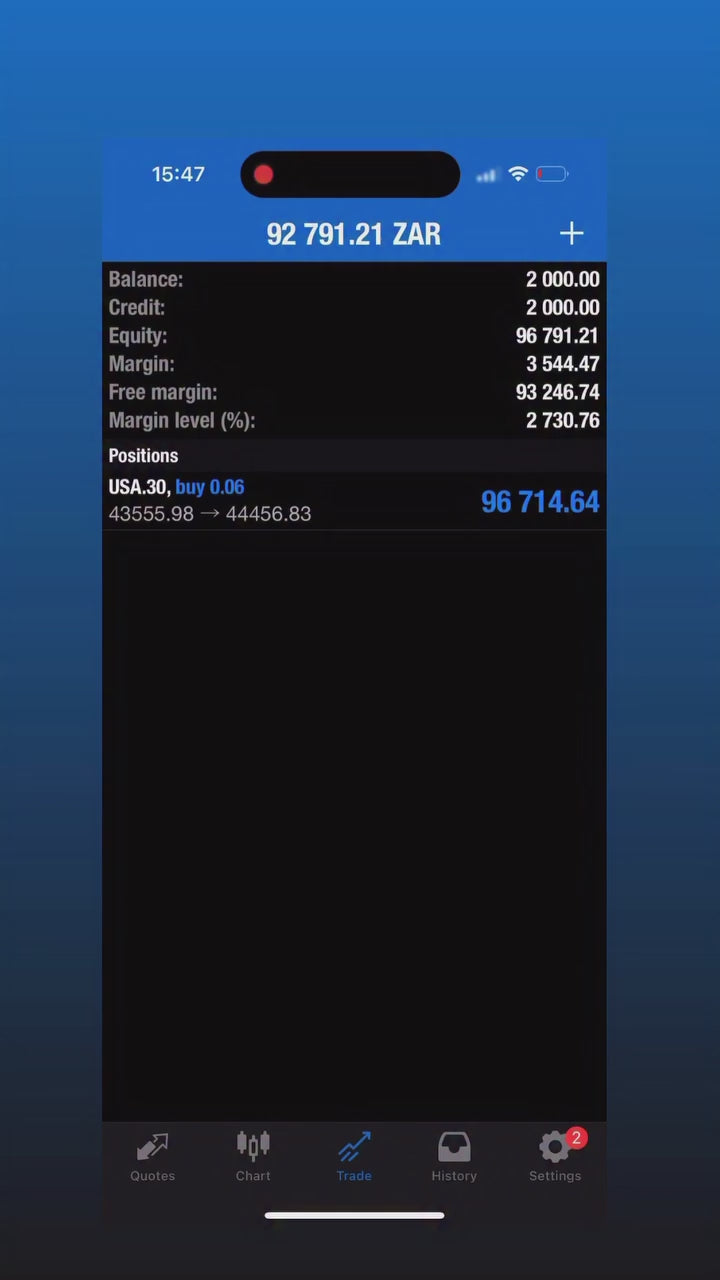
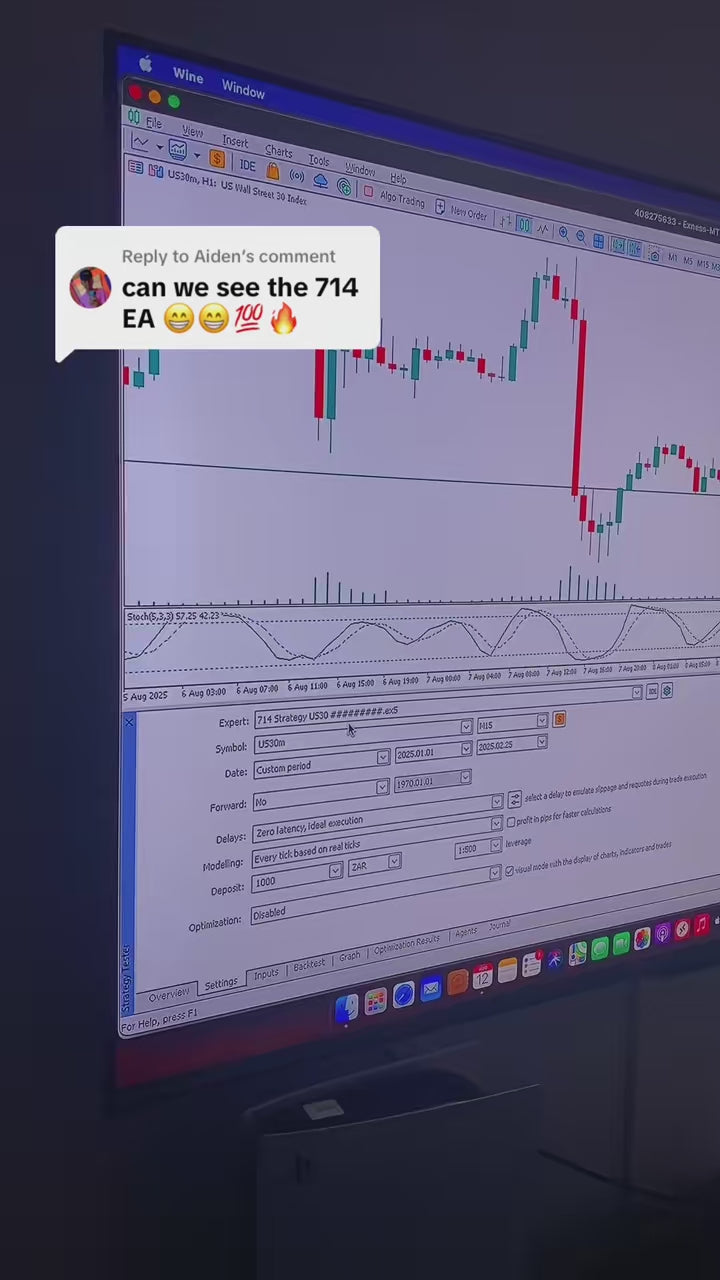
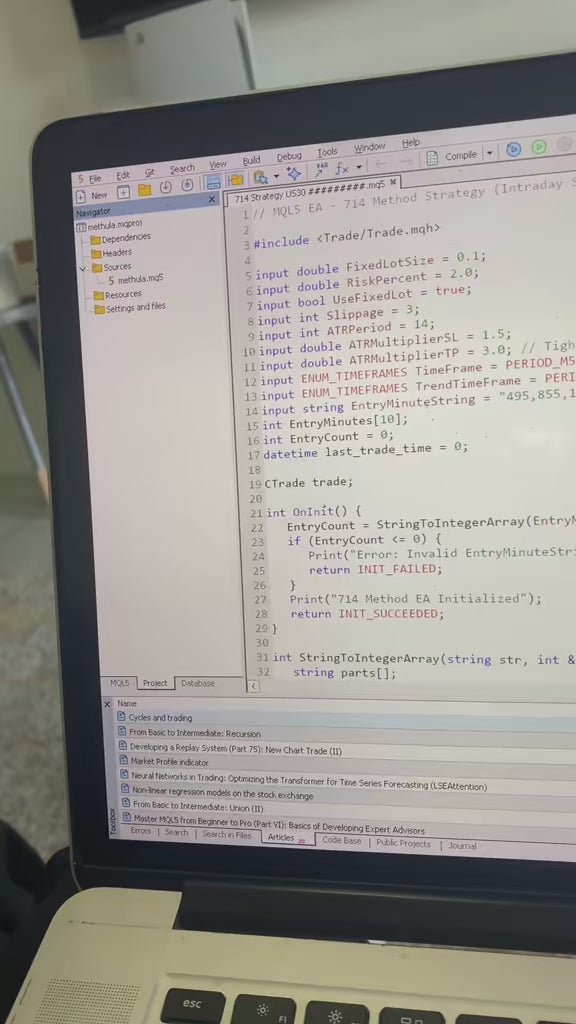
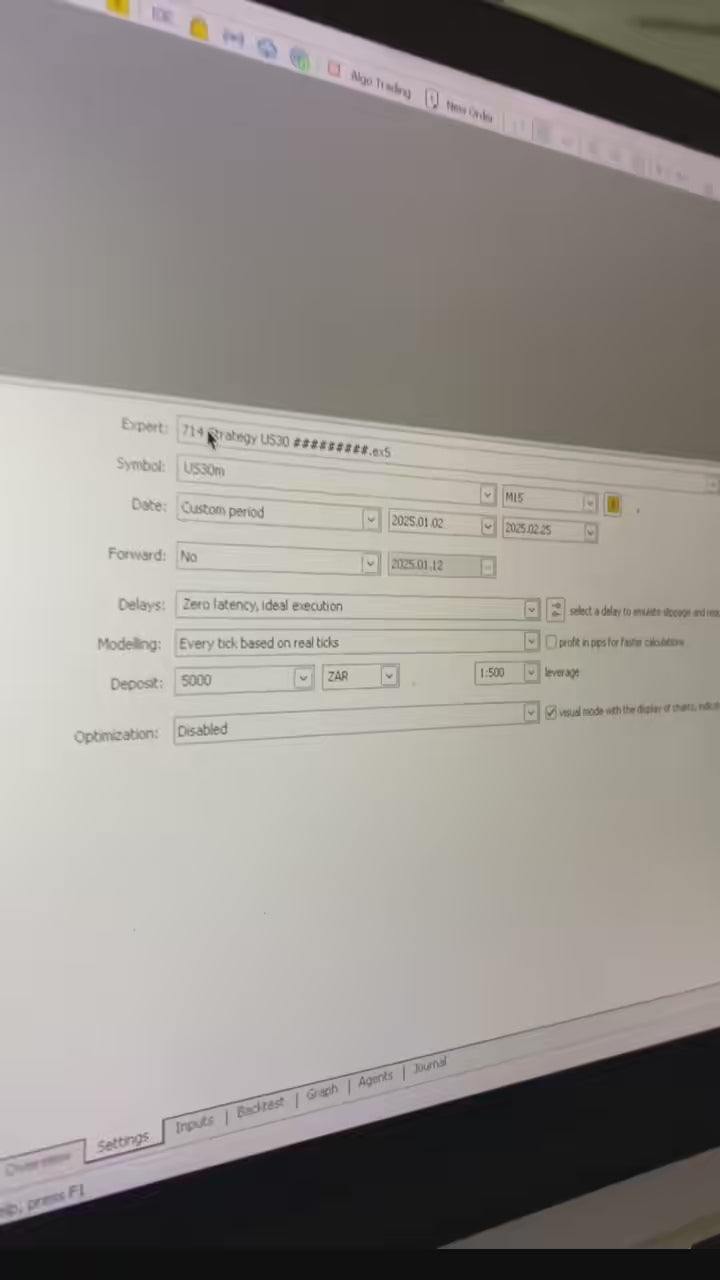


PRODUCT INFORMATION
Everything you need to know
Review features, setup notes and product-specific information before purchase.
PATTERN + ORDER BLOCK FOREX AUTOMATION • ATR RISK LOGIC • MT5
714 Strategy EA for MetaTrader 5
714 Strategy EA is a MetaTrader 5 Expert Advisor for Forex traders who want rules-based entries built around W/M pattern recognition, order-block confluence and ATR-based risk logic for intraday and swing-style setups.
Platform: MetaTrader 5 · Market: Forex · Approach: Pattern + order-block confluence / ATR risk logic · Delivery: Digital · Support: PMotive setup guidance
Why traders consider 714 Strategy EA
- W/M pattern-driven entry logic.
- Order-block confluence as part of setup qualification.
- ATR-based risk logic designed to respond to market volatility.
- Intraday and swing-style automated execution.
- MT5 desktop/VPS operation with mobile account monitoring.
Who it is for
- MT5 Forex traders who want pattern-based automated execution.
- Users interested in order-block confluence and volatility-aware risk logic.
- Traders prepared to validate the exact broker, pair and settings before live deployment.
Who it is not for
- Users who require MT4 software.
- Buyers seeking guaranteed returns or risk-free automation.
- Users who assume pattern recognition, order blocks or ATR controls can predict every market move.
What you receive
- 714 Strategy EA digital files for MetaTrader 5.
- Supplied setup guidance and supporting files.
- PMotive product support for installation/configuration questions.
How the strategy components fit together
W/M pattern logic: programmed conditions identify qualifying pattern structures. Order-block confluence: additional programmed conditions are used as part of setup qualification. ATR-based risk logic: Average True Range can be used to make risk-related distances or controls responsive to measured volatility.
These components are rule sets, not predictions. A recognised pattern can fail, an order-block interpretation can be invalidated, and ATR-based logic cannot make a trade safe or guarantee a profitable outcome.
Intraday vs swing-style use
Market conditions, holding time and exposure can differ between shorter intraday setups and longer swing-style positions. Validate the supplied configuration you intend to use rather than assuming one risk setting is appropriate for every timeframe, pair or account.
Setup and broker checklist
- Install the supplied EA files in the correct MetaTrader 5 desktop terminal.
- Confirm the exact Forex pairs supported by the supplied setup and their broker symbol names.
- Check account type, contract size, minimum lot, lot step, spread, commission, stop levels and trading hours where applicable.
- Review lot size, ATR-related parameters and all other risk inputs for your own account.
- Demo-test the same broker, pair and settings before considering live deployment.
The EA itself runs in a compatible desktop MT5 terminal. Mobile MT5 can monitor the connected account but does not host the EA.
Optional VPS: View the MassiveGrid VPS option → (affiliate link)
Frequently asked questions
Is 714 Strategy EA for MT4 or MT5?
This product is for MetaTrader 5.
What does 714 Strategy EA automate?
It automates rules-based Forex execution using programmed W/M pattern recognition, order-block confluence and ATR-based risk logic.
What are W/M patterns?
They are chart structures represented in the EA through programmed qualifying conditions. Recognition of a pattern does not guarantee that price will move in the expected direction.
What does order-block confluence mean here?
Order-block-related conditions are used as an additional component in qualifying setups. They are part of the strategy logic, not a guarantee that a level will hold.
What is ATR-based risk logic?
ATR measures recent price-range volatility. ATR-based logic can make certain risk-related controls responsive to volatility, but it does not remove trading risk.
Does ATR risk management make the EA safe?
No. Risk controls can structure exposure, but losses and drawdown remain possible.
Is it for intraday or swing trading?
The product is positioned for intraday and swing-style execution. Use the supplied configuration appropriate to the intended setup and validate it before live use.
Which Forex pairs can I use?
Use the pairs supported by the supplied setup and confirm their exact broker symbols and specifications. Do not assume universal pair compatibility.
Can I run it directly on my phone?
No. The EA runs in a compatible desktop MetaTrader 5 terminal. Mobile MT5 can monitor the connected account.
Do I need a VPS?
Not necessarily. A suitable VPS can be useful when you want MT5 and the EA to remain connected continuously without relying on your personal computer.
Should I demo-test it first?
Yes. Test the intended broker, account type, pair and settings so you can evaluate compatibility and behaviour before considering live funds.
Does 714 Strategy EA guarantee profit?
No. Pattern recognition, order-block logic and ATR controls cannot eliminate market or execution risk.
What happens after purchase?
You receive the digital product and supplied setup material. Follow the installation guidance and validate the configuration before live use.
What is the refund policy?
PMotive offers a 14-day money-back guarantee subject to the conditions in the published refund policy. Read the current refund conditions before purchasing.
How do I get support?
Contact info@pmotive.com with your MT5 version, broker, symbol/pair, EA version and relevant error details. Do not send trading-account passwords.
Compare PMotive automation options
For PMotive's current MT5 flagship across supported Gold, Crypto and Forex markets, compare BullyMax Pro 2026. If you want your own pattern, order-block or other strategy rules converted into an EA, see Custom EA Development.
For broader Forex product comparison, visit the Forex Trading Automation Hub.
Important risk notice
Forex and leveraged trading involve substantial risk. W/M patterns can fail, order-block conditions can be invalidated, and ATR-based risk logic cannot prevent losses. Historical examples, screenshots, backtests and demonstrations do not guarantee future performance. Validate compatibility, test carefully and trade only with capital you can afford to lose.
YOUR NEXT STEP
Need a custom build or ongoing technical care?
Ask about coding your own strategy, improving a business system, or a clearly scoped maintenance plan.